
Deep focus phases
Solo stretches where a teammate disappears into the code, the notebook, the dataset, picking up exactly where yesterday left off, with every tool and process still running.
Built for data scientists & AI engineers
Persistent cloud desktops your team shares. As many as you need, running in parallel. Shared cursor per desktop, always-on voice, every tool and process still running from yesterday. Defined in code, deployed in your cloud.
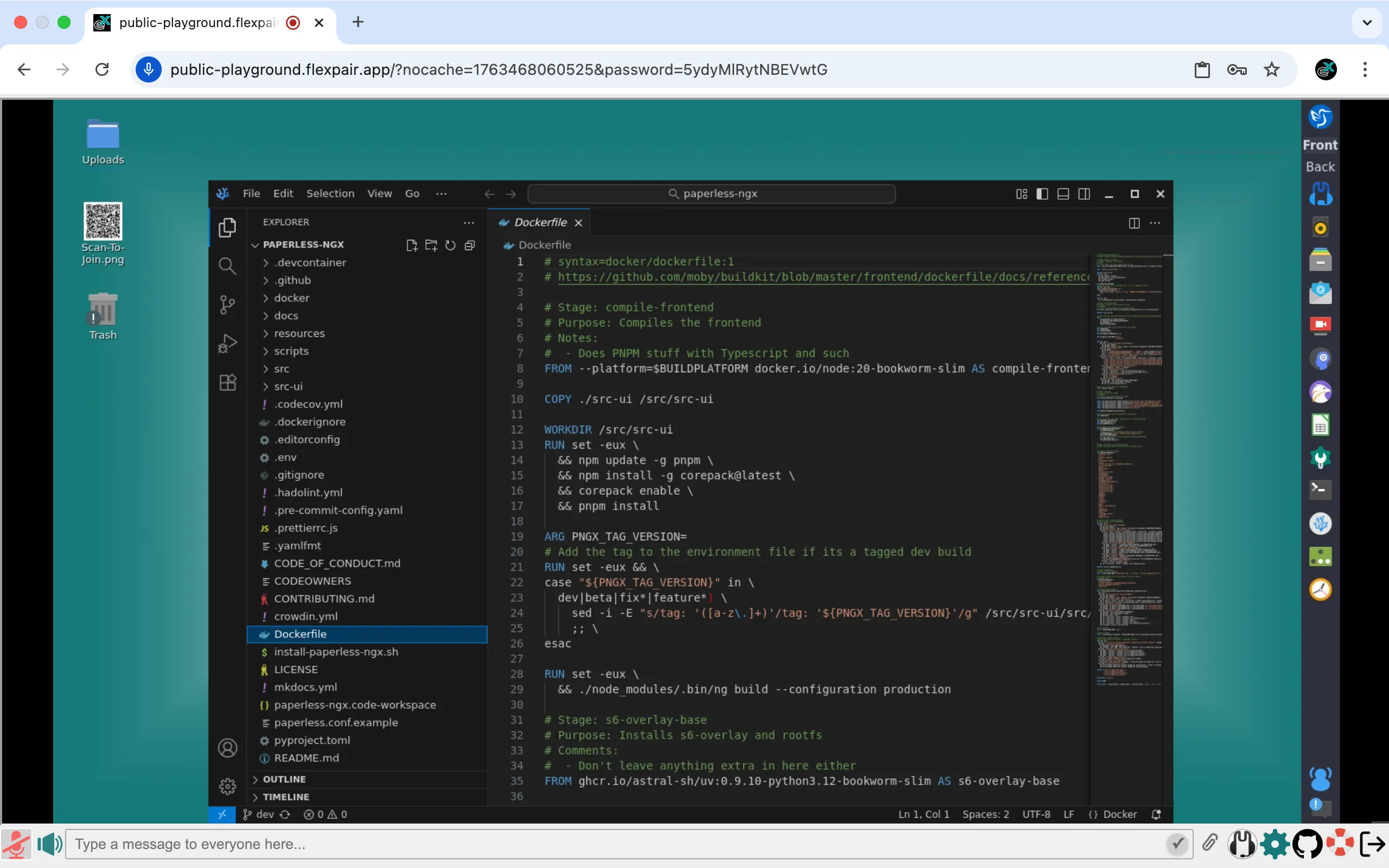
All in one shared space. Defined in code, deployed in your cloud.
The three modes of real teamwork
That's the flex in Flexpair: pair programming that bends to your team's rhythm and location, not the other way around.
Onboarding, compressed
New teammate? They don't spend their first week installing Python, wrangling credentials, or hunting for the right dataset path. They open a browser tab, step into a desktop that already has everything running, and pair with someone who knows the codebase. First pull request before lunch.
Reproducible infrastructure & software
Flexpair is Terraform-native. Your hub runs where your data already lives. No vendor lock-in, no data leaving the perimeter.
How it works
A single Terraform apply provisions a Flexpair Hub in your cloud: one gateway, plus as many persistent desktops as you want (one per project, one per engineer, one per long training run). Your team opens a browser tab and steps into any of them. Each hub runs on a single 90-day TLS certificate, so you get typically 30 to 90 days of continuous uptime, depending on where DNSimple is in its auto-renewal cycle when you apply. Before expiry, the pipeline rolls a fresh hub and persistent volumes carry the state across.
terraform apply in your AWS / Azure / Hetzner account. One gateway VM plus as many persistent desktops as your team needs. No fixed cap.
Teammates log in via your identity provider. Browser only, no client install. Jump into any desktop in the hub.
Shared cursor per desktop, always-on voice across the hub, session state that survives reconnects and reboots. Solo focus, async handoff, or live pairing: pick the desktop, step in.
Pick a slot and bring a teammate. We'll spin up a Flexpair Hub live and walk you through it, together.
Take it for a test drive